Every card, every due date.
Never a missed bill.
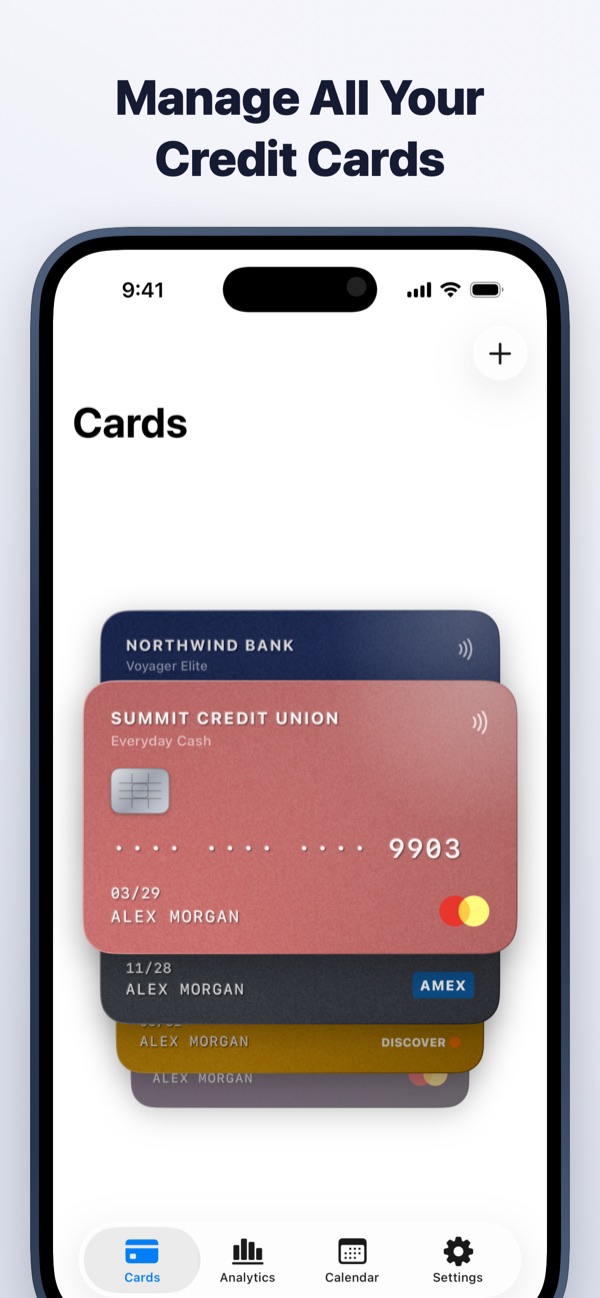
CardMax keeps all your credit cards in one private wallet, reminds you before every payment is due, and shows exactly where your money goes. Nothing ever leaves your device.
Coming soon to theApp StorePrivate by design. No account, no bank login.
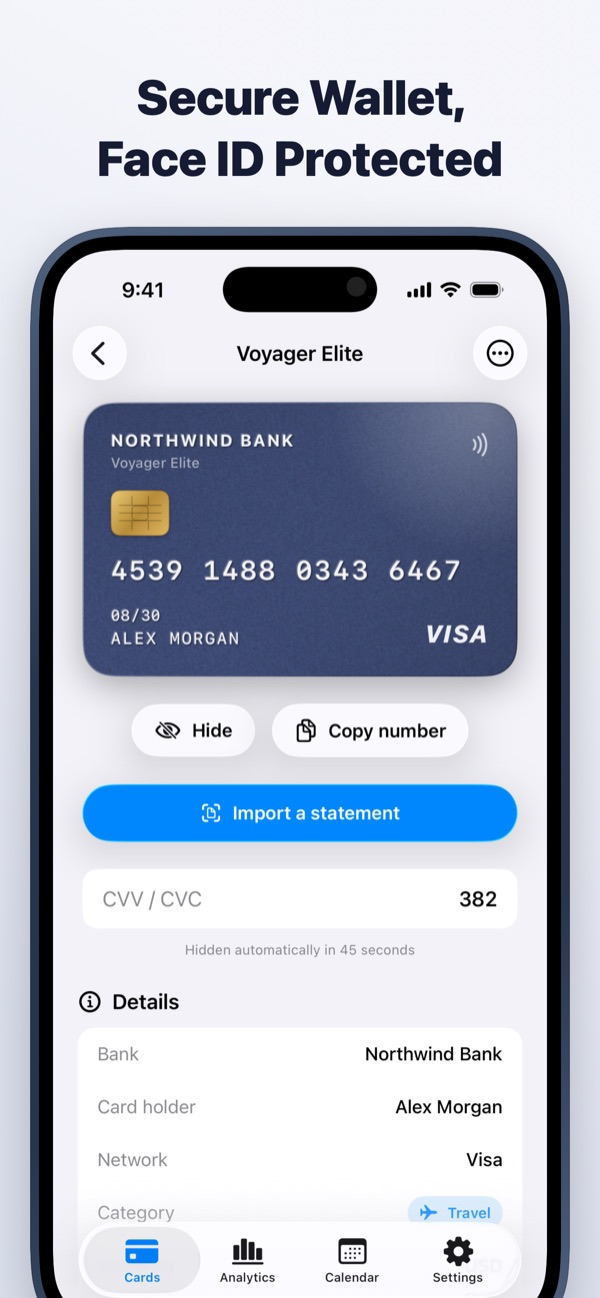
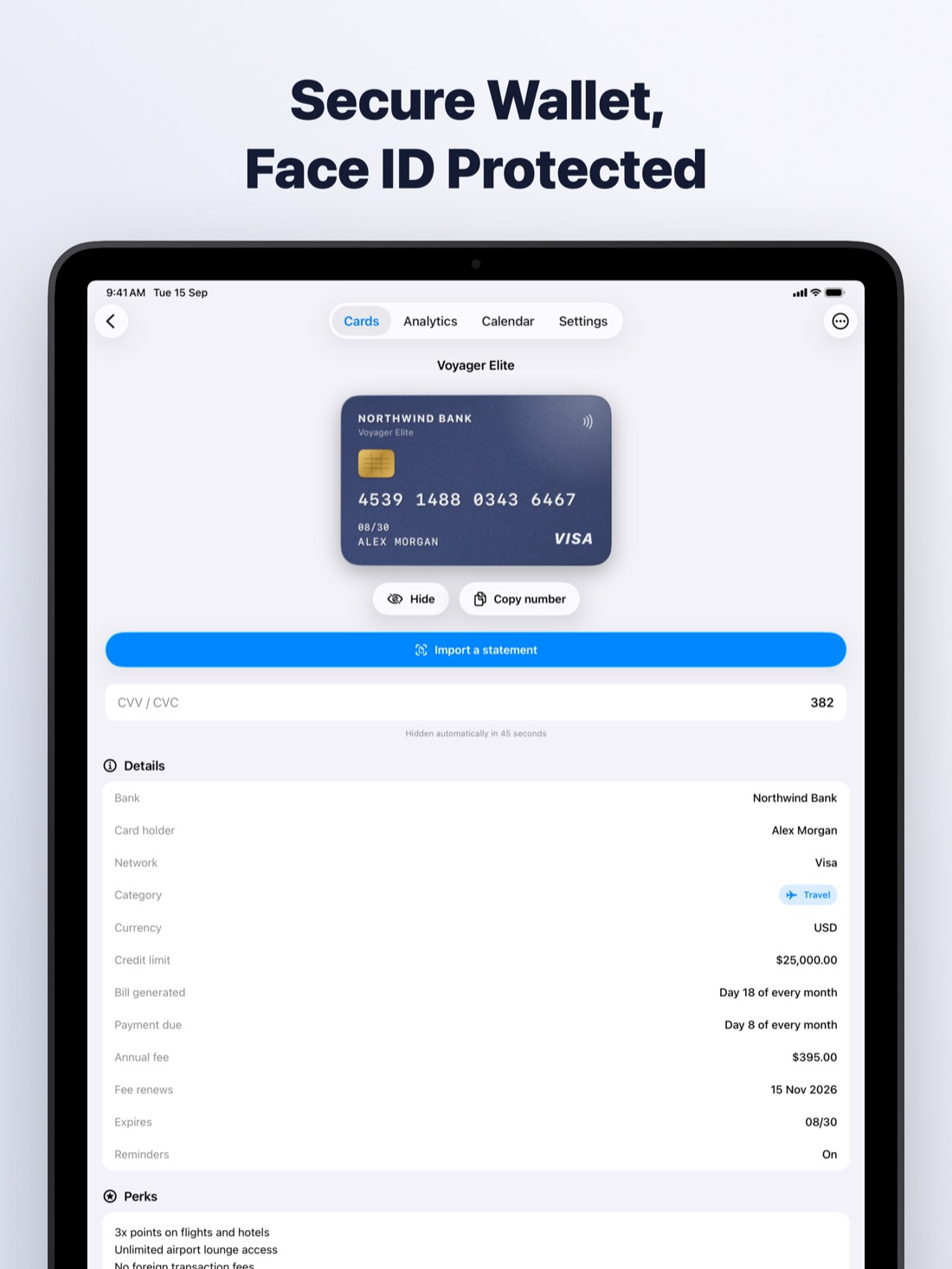
Card numbers and CVVs are sealed with AES-256 encryption, and the key never leaves your device. There are no servers, no ads and no tracking.
- Face ID and PIN lock
- Works offline
- iPhone and iPad
- No bank login
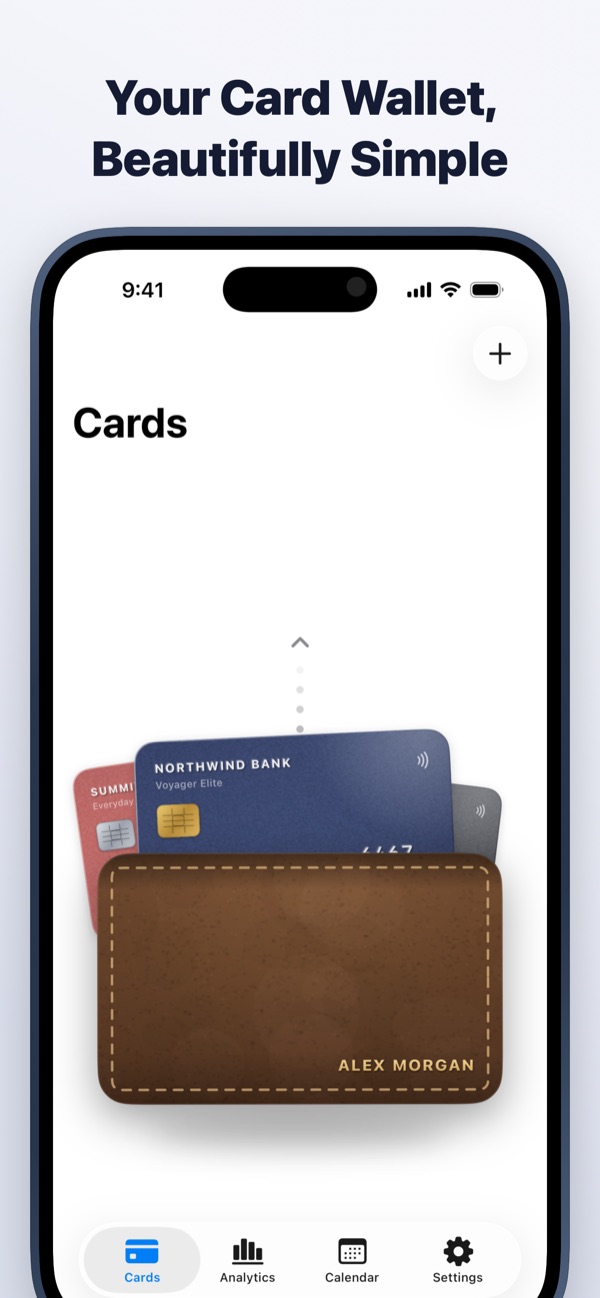
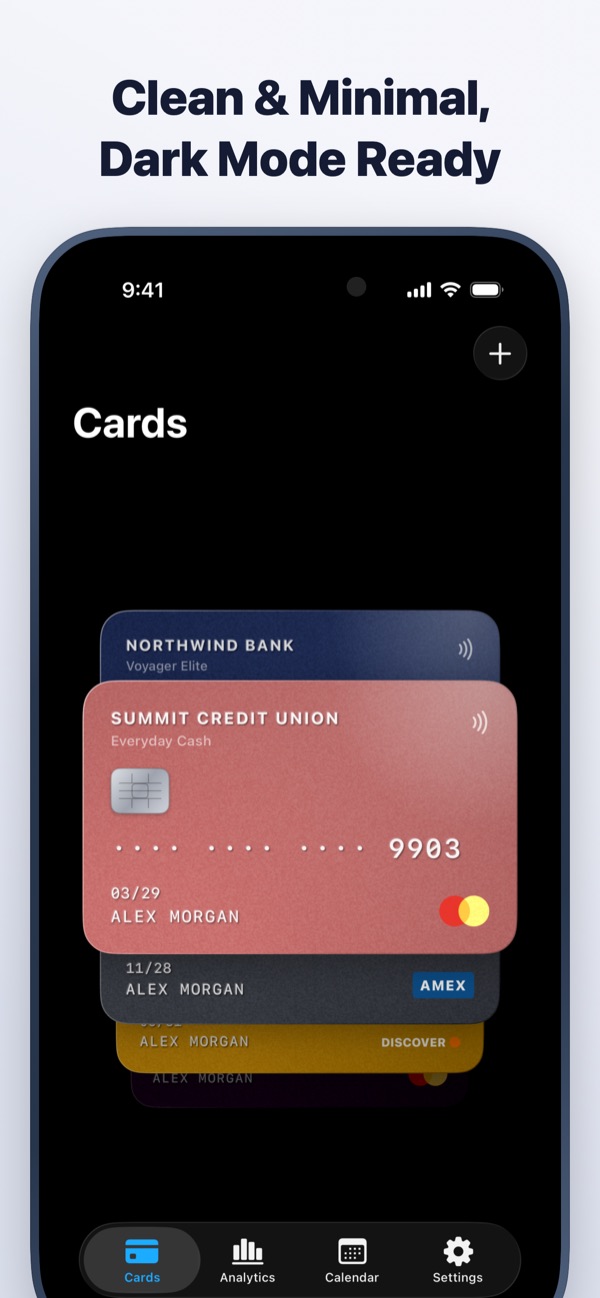
A wallet you will actually enjoy opening
Swipe up from the leather pouch to fan out your cards. Bills, statements and spending are one tap away.
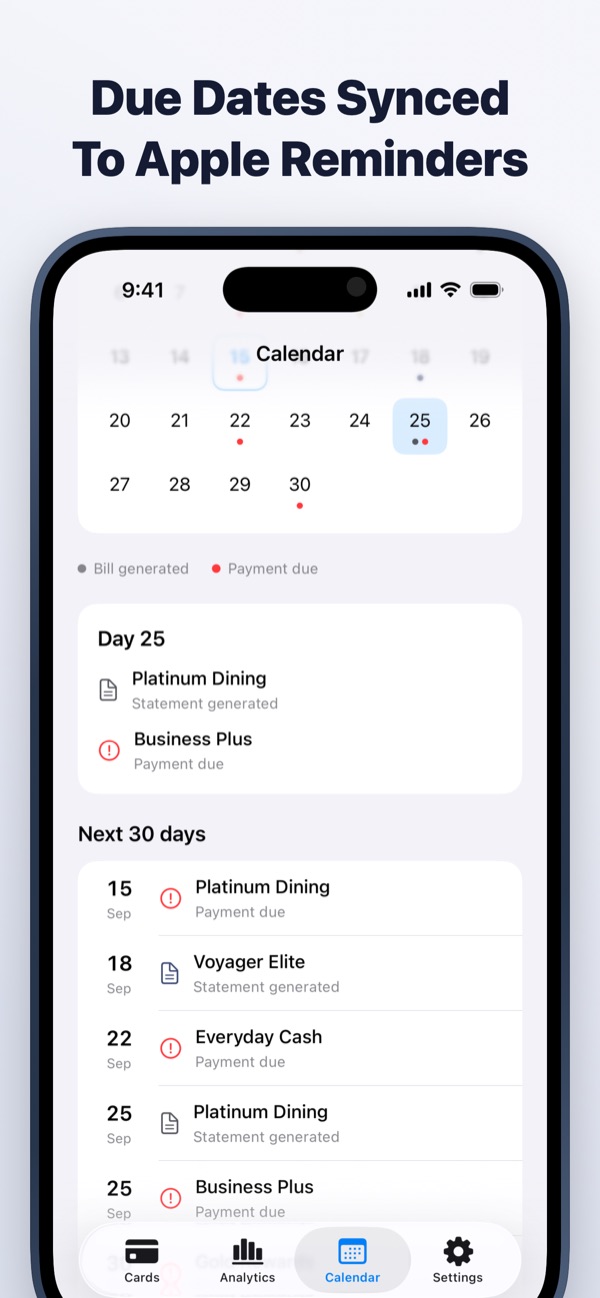
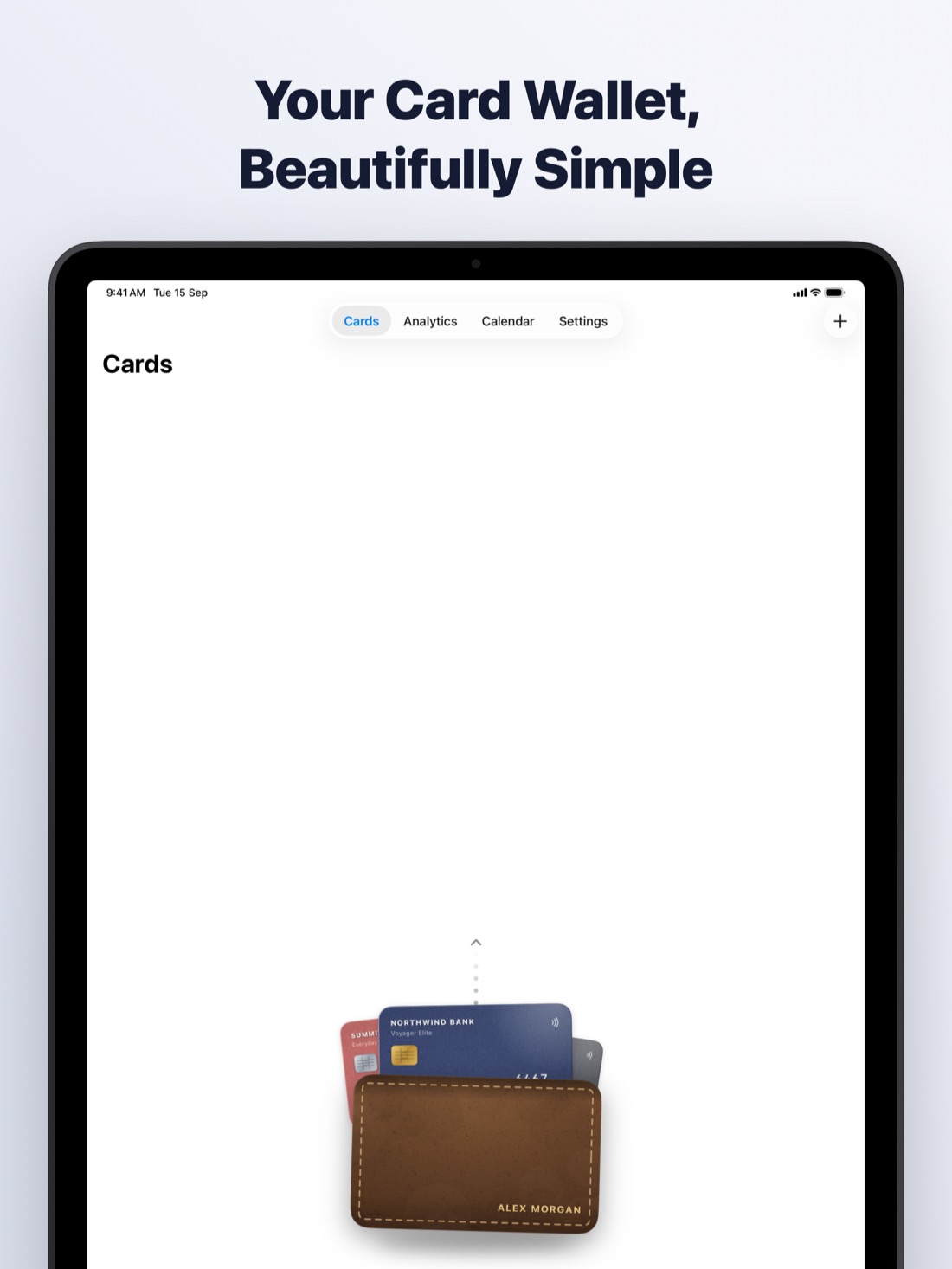
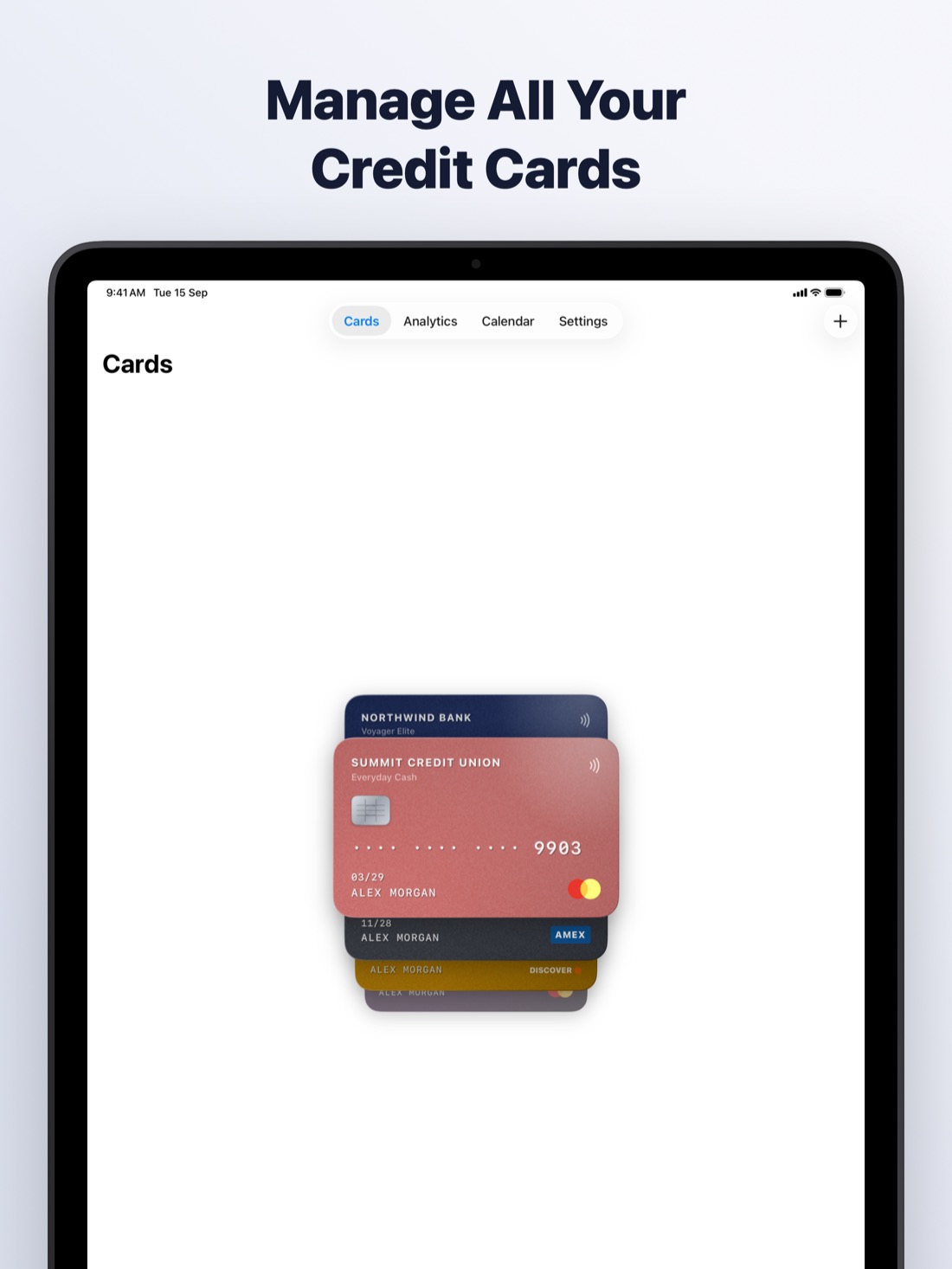
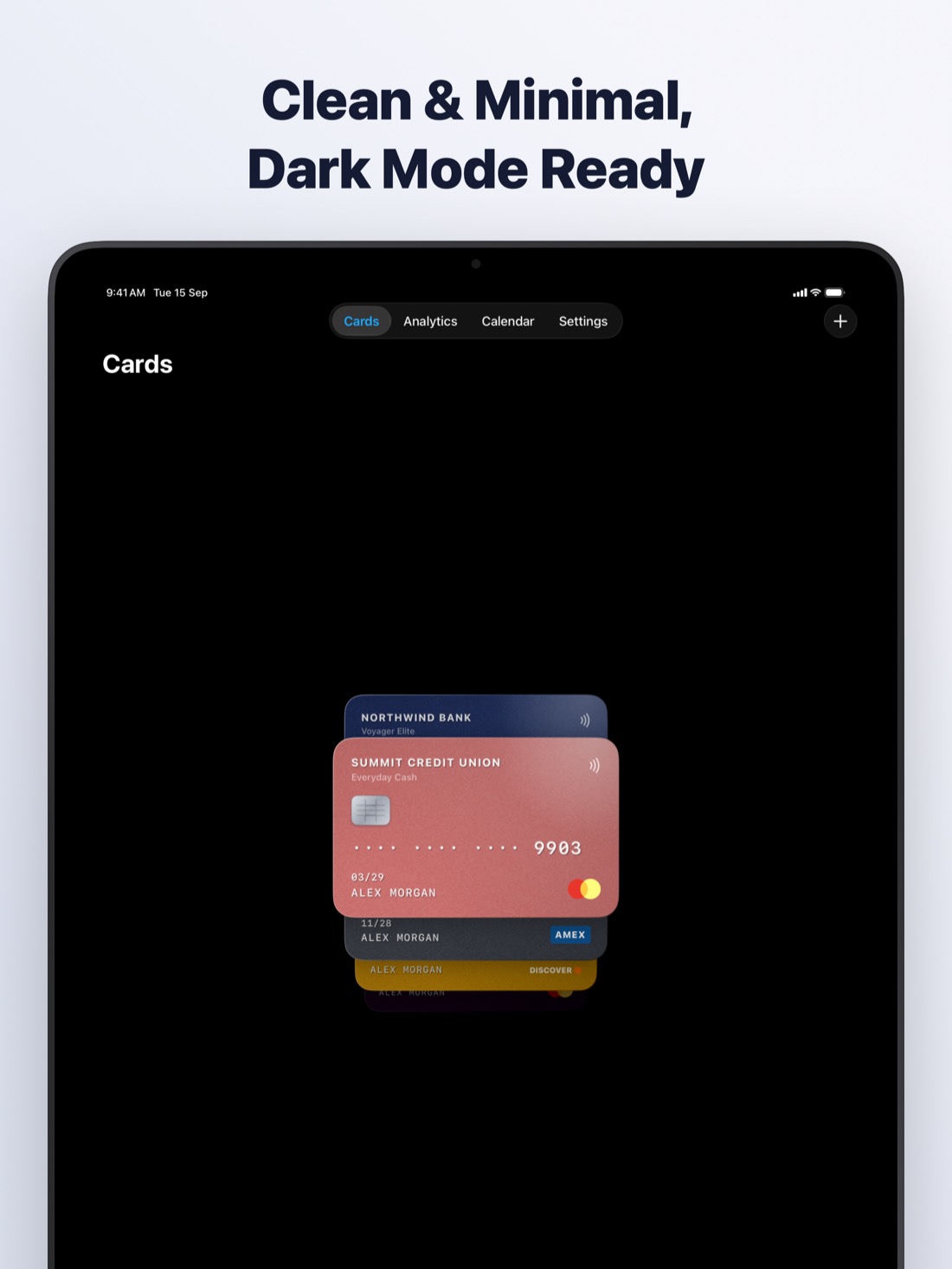
Set up in minutes, stay on top for good
Add your cards
Enter each card once: bank, number, bill day, due day, annual fee and perks. Sensitive fields are encrypted the moment you save.
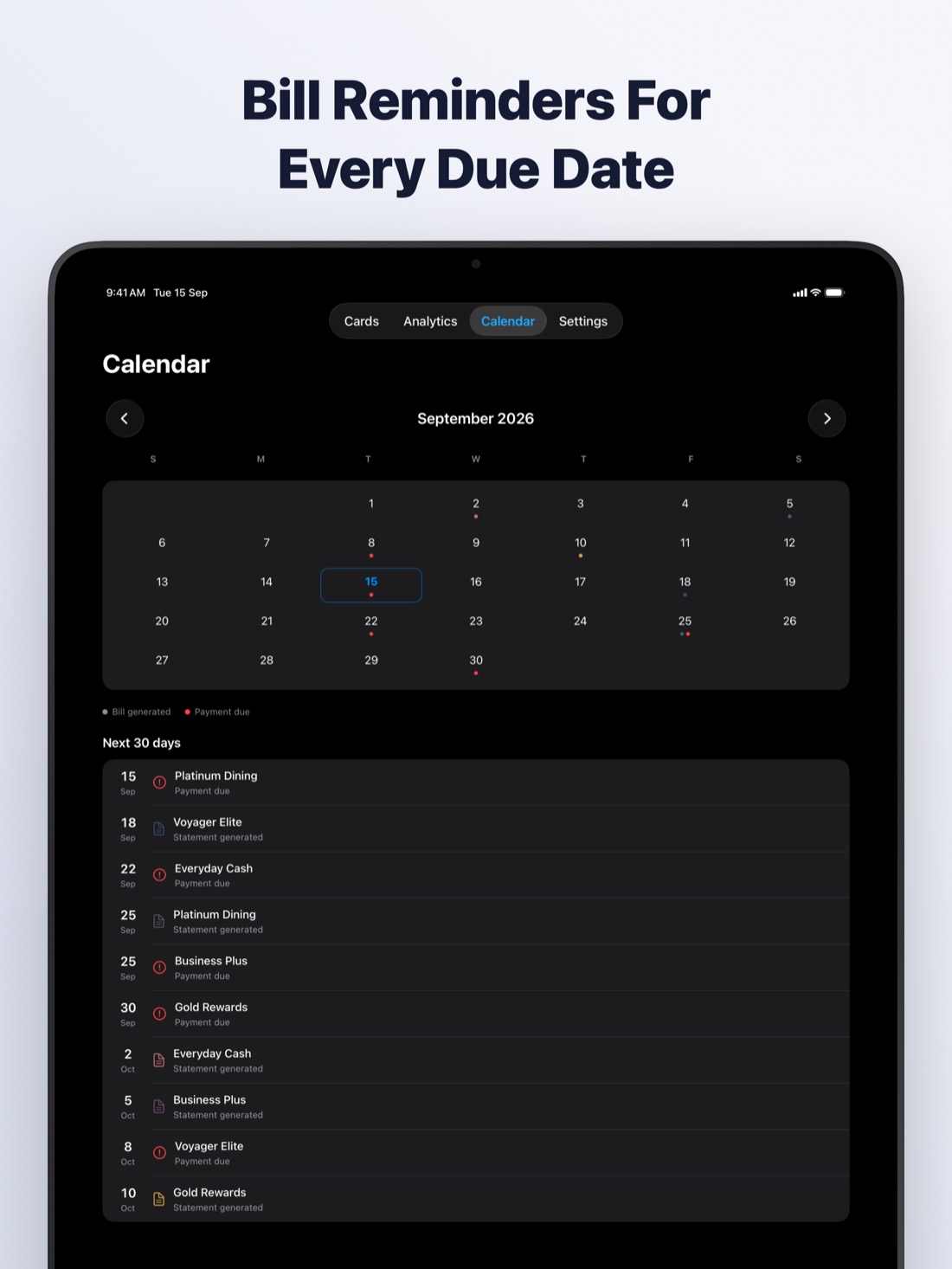
Get reminded on time
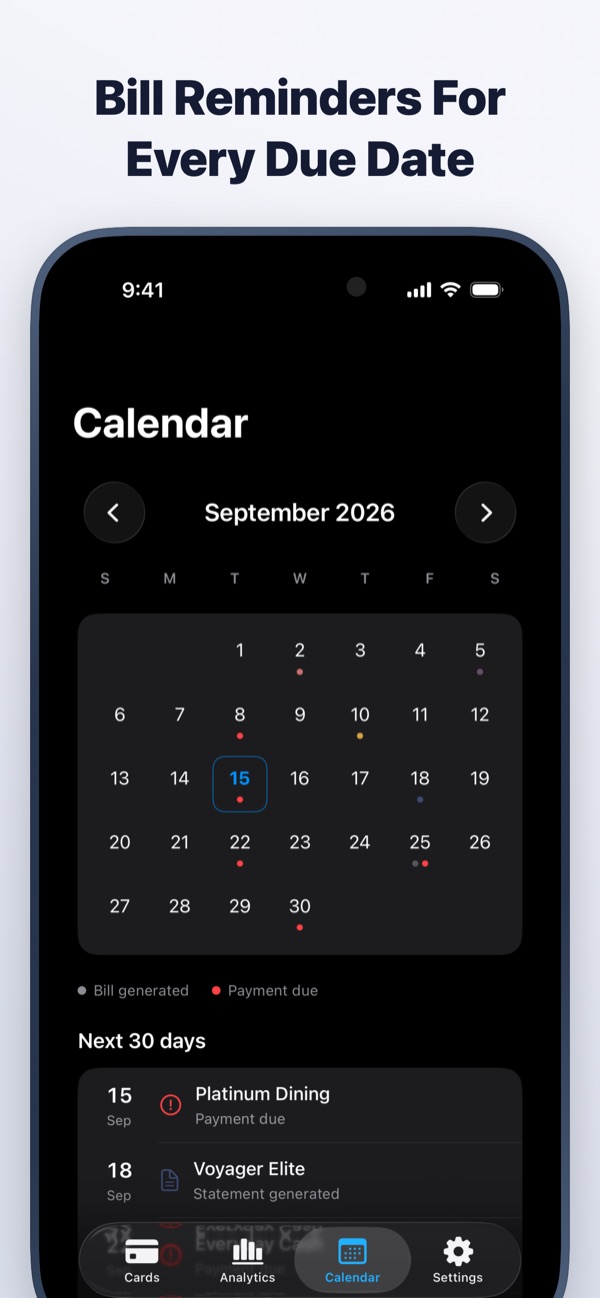
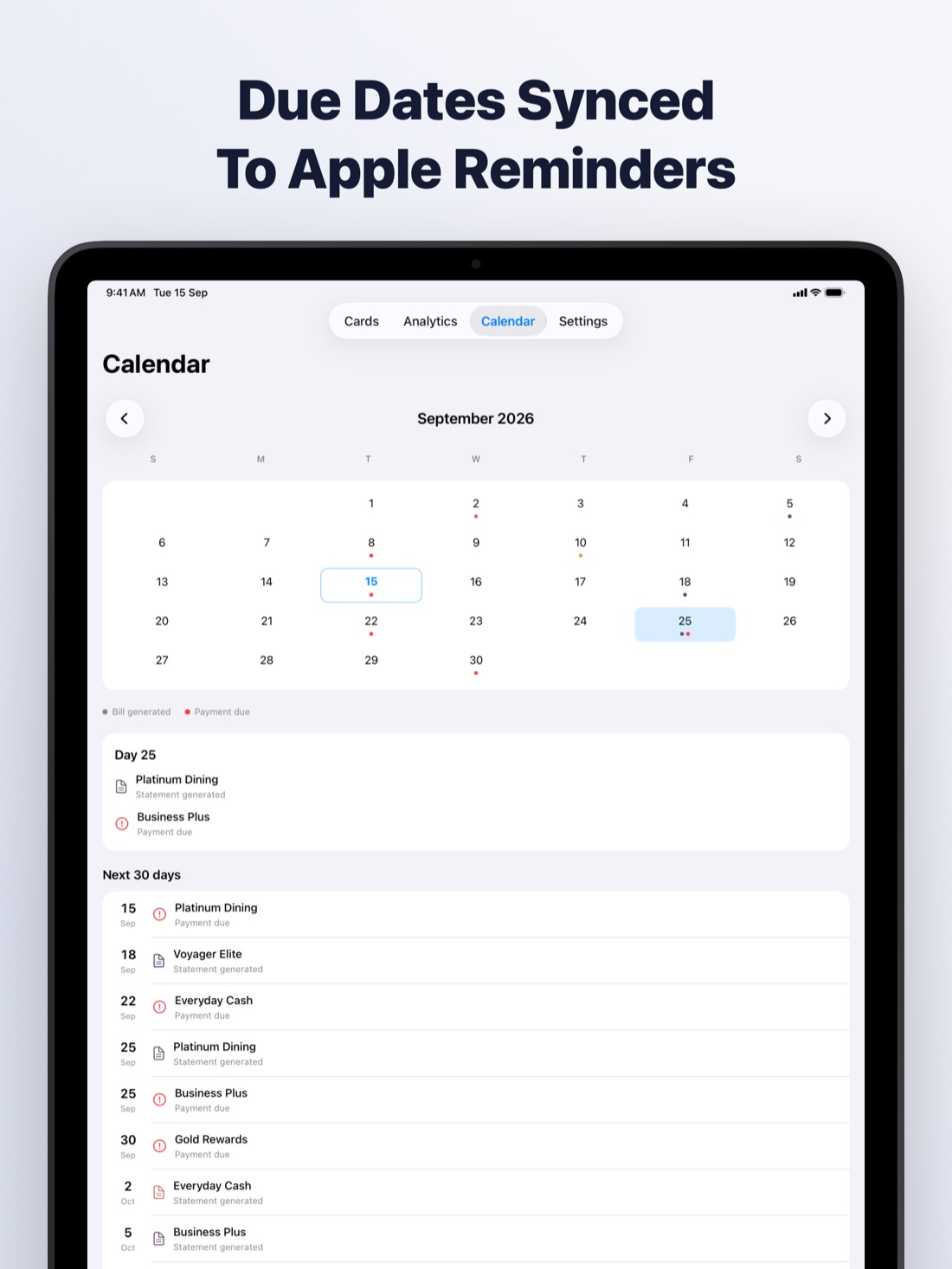
A nudge when each statement is generated and the day before it is due. It even knows when you have already paid. Sync to Apple Reminders with one switch.
See where money goes
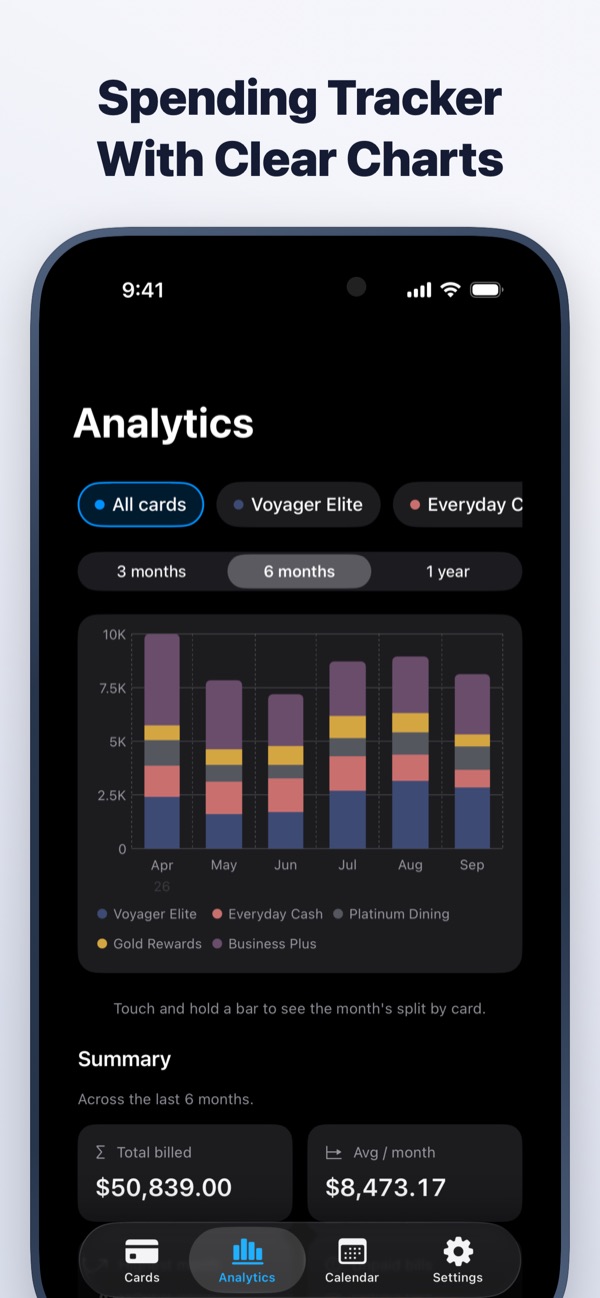
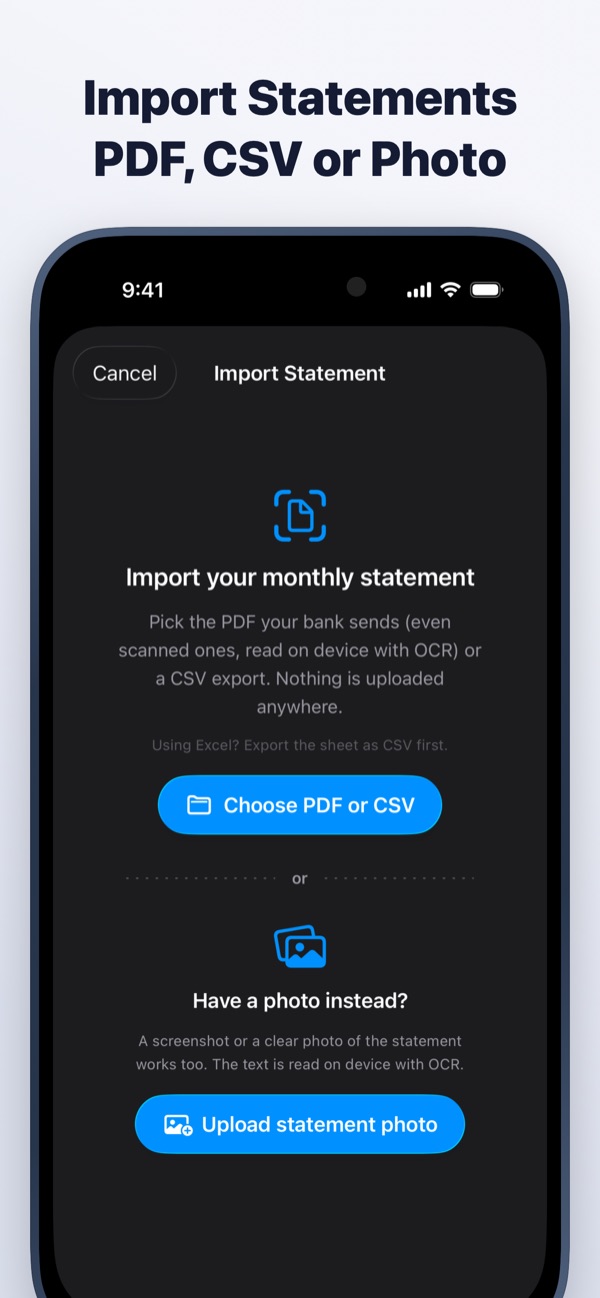
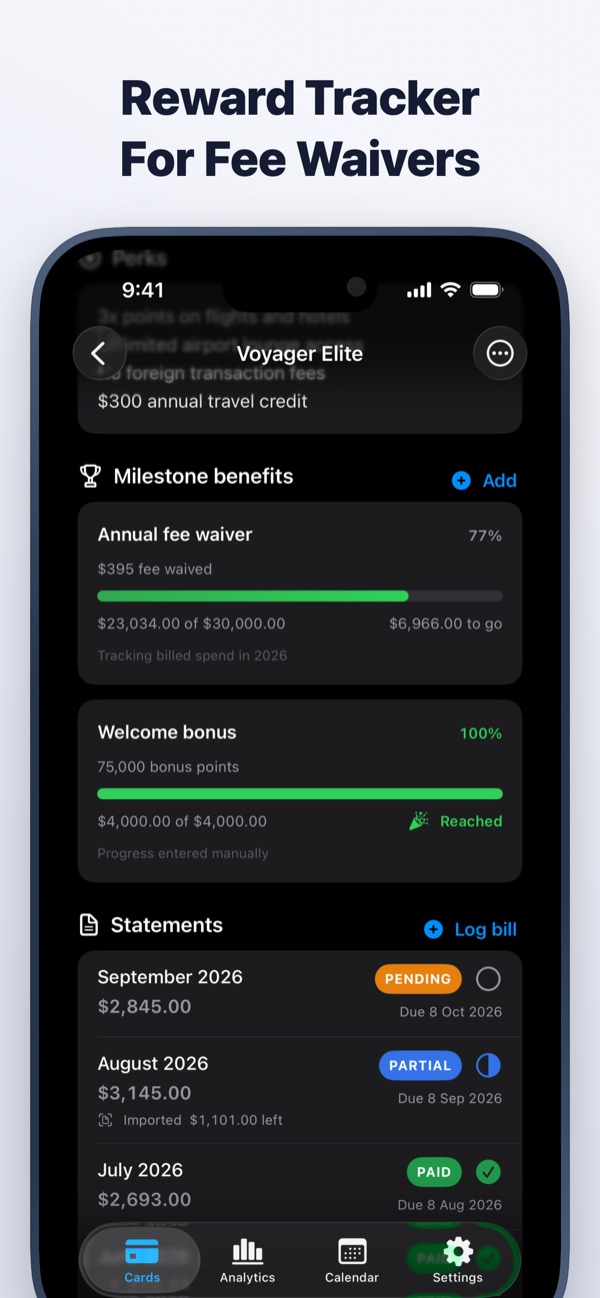
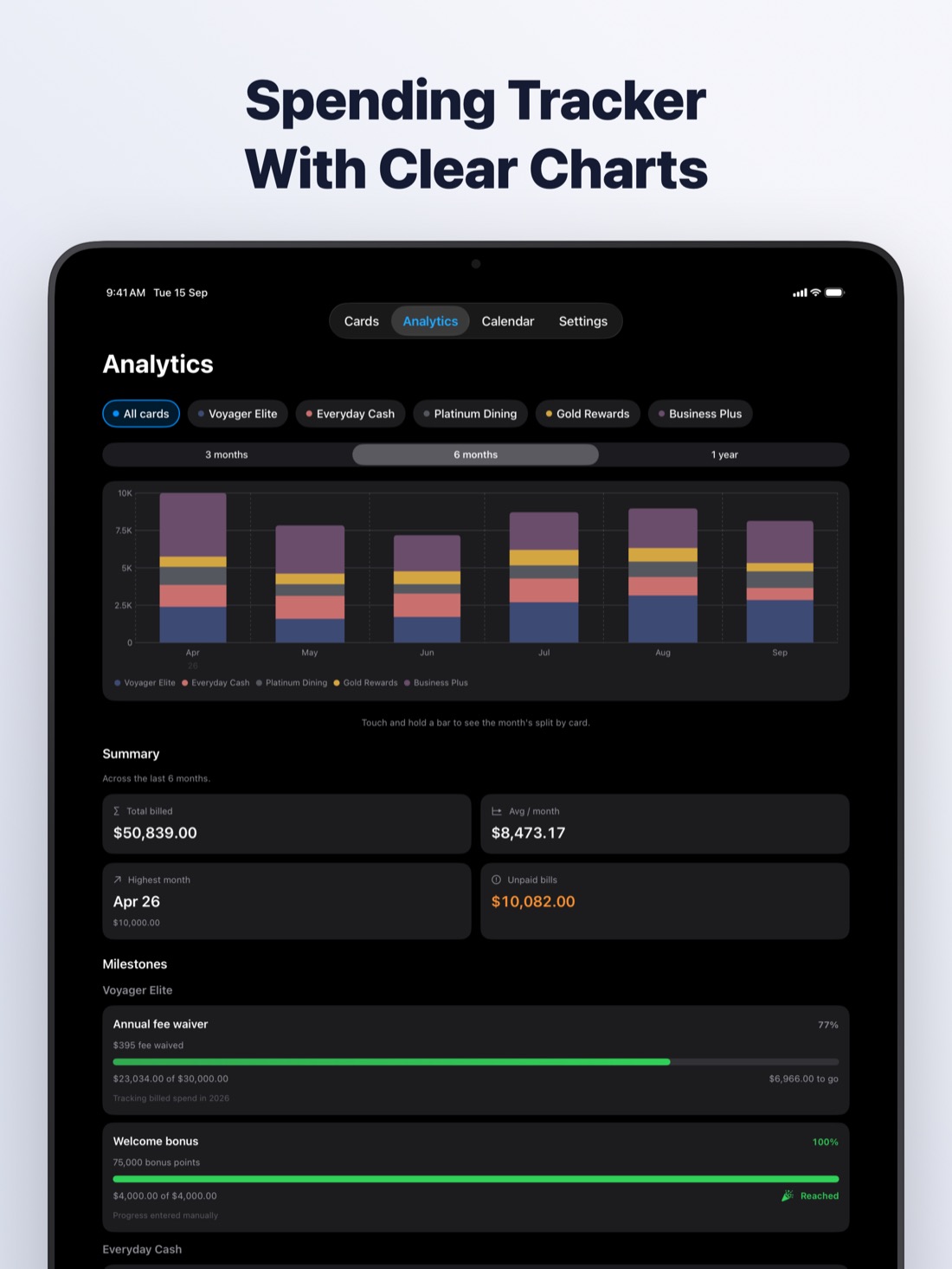
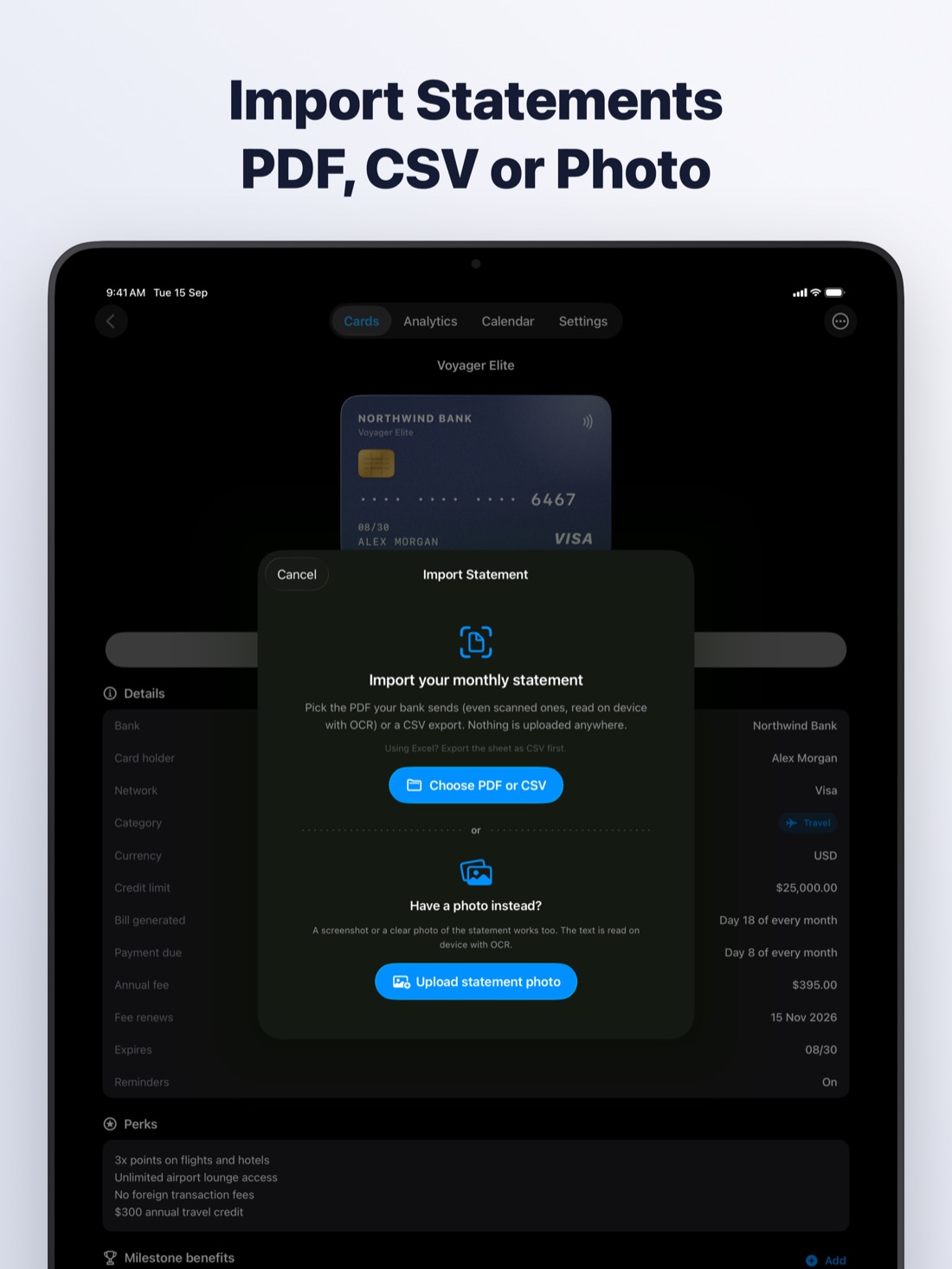
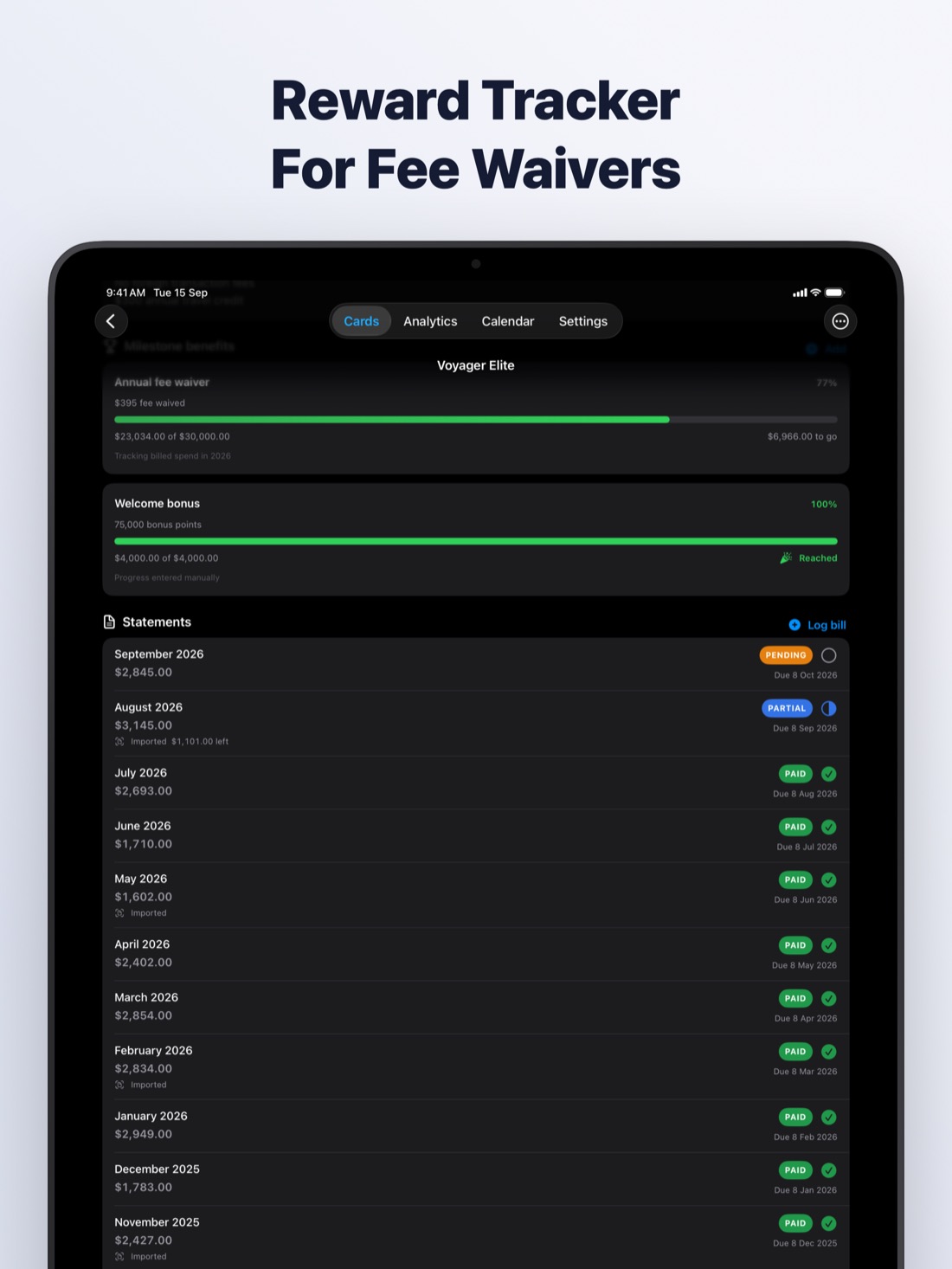
Import statements from a PDF, CSV or photo, read on your device. Track monthly spending in clear charts and chase rewards like fee waivers.
Get more from every credit card
Plain answers to the questions people actually ask about due dates, fees, spending and security.
Statement date vs due date
Two dates run every card. Learn which one sets your bill and which one costs you if you miss it.
Read guideNever miss a due date
A four-part system for tracking every card's due date, even when you juggle several.
Read guideManage multiple cards
Give every card a job, keep the dates in one place, and stop paying for cards you do not use.
Read guideGet your annual fee waived
Hit the spending target, ask at the right moment, or downgrade. Here is how each route works.
Read guideTrack spending across cards
Every bank shows its own slice. Here is how to see the whole picture every month.
Read guideIs storing cards on your phone safe?
Wallet, notes, photos, password managers and card apps compared, and what actually protects you.
Read guideQuestions, answered
What is the difference between a statement date and a due date?
The statement date (also called the closing or bill date) ends the billing cycle and fixes how much you owe. The due date, usually about three weeks later, is the last day to pay that bill without a late fee. Learn more
How do I keep track of credit card due dates?
Keep one list of every card's bill day and due day, set a reminder for the day before each due date, add autopay for at least the minimum as a safety net, and review all cards in a single calendar. Learn more
What is the best way to manage multiple credit cards?
Give each card a clear job, keep every card's dates, fees and rewards in one place, pay every statement balance in full, and review once a year whether each card still earns more than it costs. Learn more
How can I get my credit card annual fee waived?
Check whether your card waives the fee after a set amount of yearly spending and track progress toward it. If not, call before the fee posts to ask for a waiver or retention offer, or downgrade to a no-fee card. Learn more
How do I track spending across multiple credit cards?
Use each card's monthly statement as the source of truth, put every card's total and categories into one view, and compare month to month. Statement imports are more reliable than trying to log each purchase by hand. Learn more
Is it safe to store credit card details on my phone?
It can be, if the details are encrypted, locked behind Face ID or a PIN, and not synced to an account that can be breached. Photos and plain notes are the risky places. Look for on-device encryption and no cloud upload. Learn more
Does CardMax connect to my bank account?
No. CardMax never asks for a bank login and never moves money. You add your cards and import statements yourself, which is why none of your data needs to leave your device. Read the privacy policy
How much does CardMax cost?
CardMax Pro unlocks the app for $6.99 per week or $49.99 per year in the US, with local pricing elsewhere. It renews automatically until you cancel in your Apple Account settings. There is no free trial. Subscription terms
Does CardMax work on iPad and offline?
Yes. CardMax runs on iPhone and iPad with iOS 26.1 or later. Everything works offline, even in airplane mode. The only time it goes online is to confirm your subscription with the App Store. Visit support
Take control of your credit cards
All your cards, reminders and spending in one private wallet.
Coming soon to theApp Store